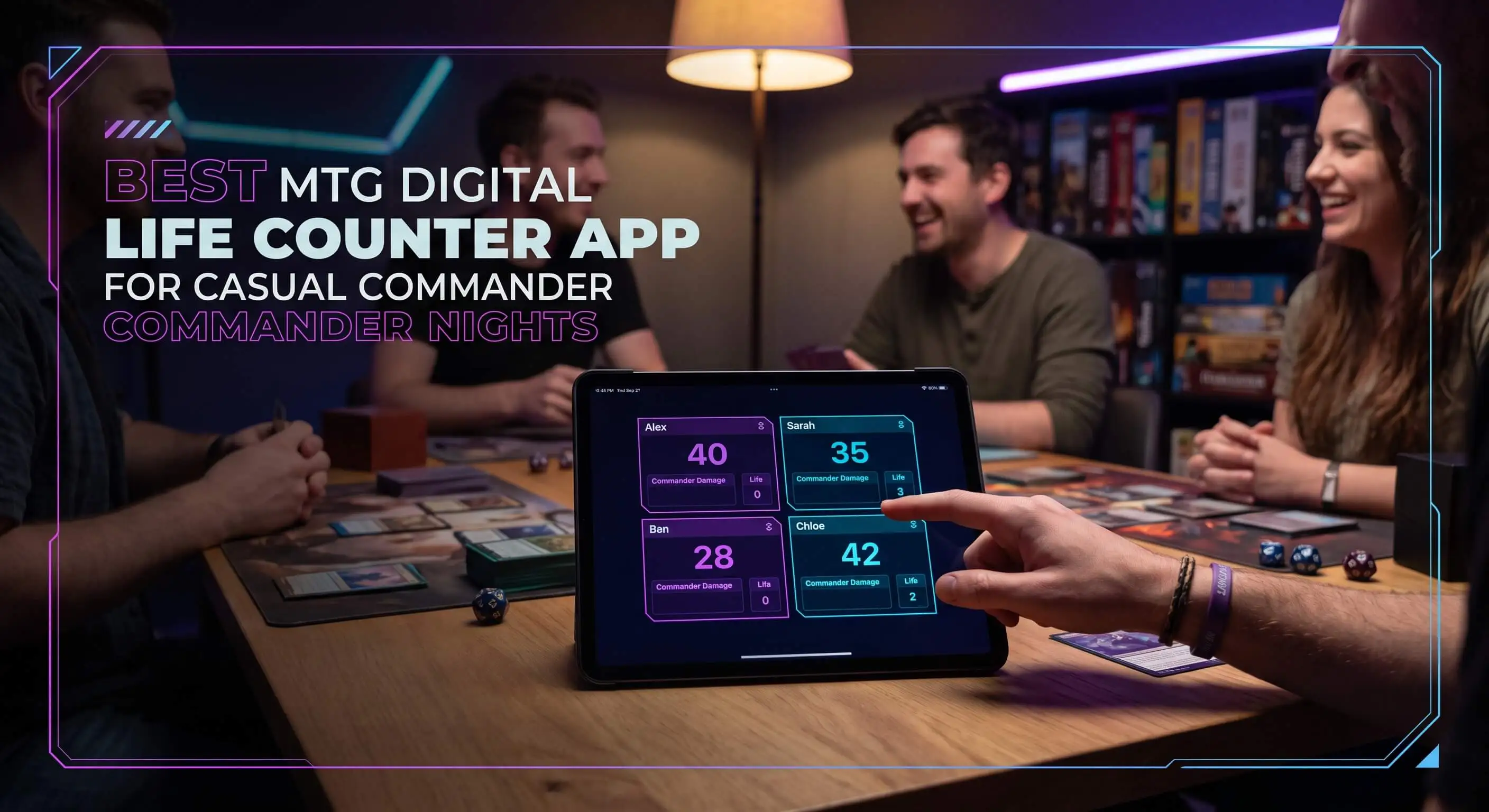
That right there is the whole case for a digital life counter app. One screen holds every life total, every point of commander damage, and every odd counter your pod runs, and it doesn't lose the number when someone knocks the table. So which app should you actually pull out on a Friday night? That's what the rest of this is about.
TL;DR Quick Answers
mtg digital life counter app
An MTG digital life counter app is a phone, tablet, or web app that tracks life totals and the other numbers a Magic game throws at you (commander damage, poison, energy, counters) for every player on one screen. For Commander, it beats dice and paper because you're juggling 40 life plus damage from three opponents at once, and a bumped table can't wipe out the score.
What a good one gives you:
Every player's life total in one place, from 40 down to zero.
Commander damage tracked per source (21 from a single commander is lethal).
Poison, energy, experience, and +1/+1 counters, plus the monarch and commander tax.
Offline play, no ads, and protection against accidental taps.
Bottom line: for casual Commander nights, a free app is the better call. Keep a spindown in the bag as backup, and bring pen and paper if you're headed to a competitive tournament.
Top Takeaways
Casual Commander throws a lot of moving numbers at you at once, and an app handles them better than a fistful of dice.
21 commander damage from one commander is lethal, so tracking it per source is worth getting right.
The best casual apps are free, work offline, skip the ads, and won't move your score on an accidental tap.
Physical counters still earn a spot as backup, and pen-and-paper still rules competitive tournaments.
For the bigger picture of where Commander sits among Magic's formats, Magic: The Gathering is a good place to start.
What a Digital Life Counter Actually Does
A die tracks one number. That's plenty for a 20-life, one-on-one Standard. Commander is a different beast. You start at 40, you're taking hits from three other people, and the format keeps piling on numbers a spindown was never built to hold.
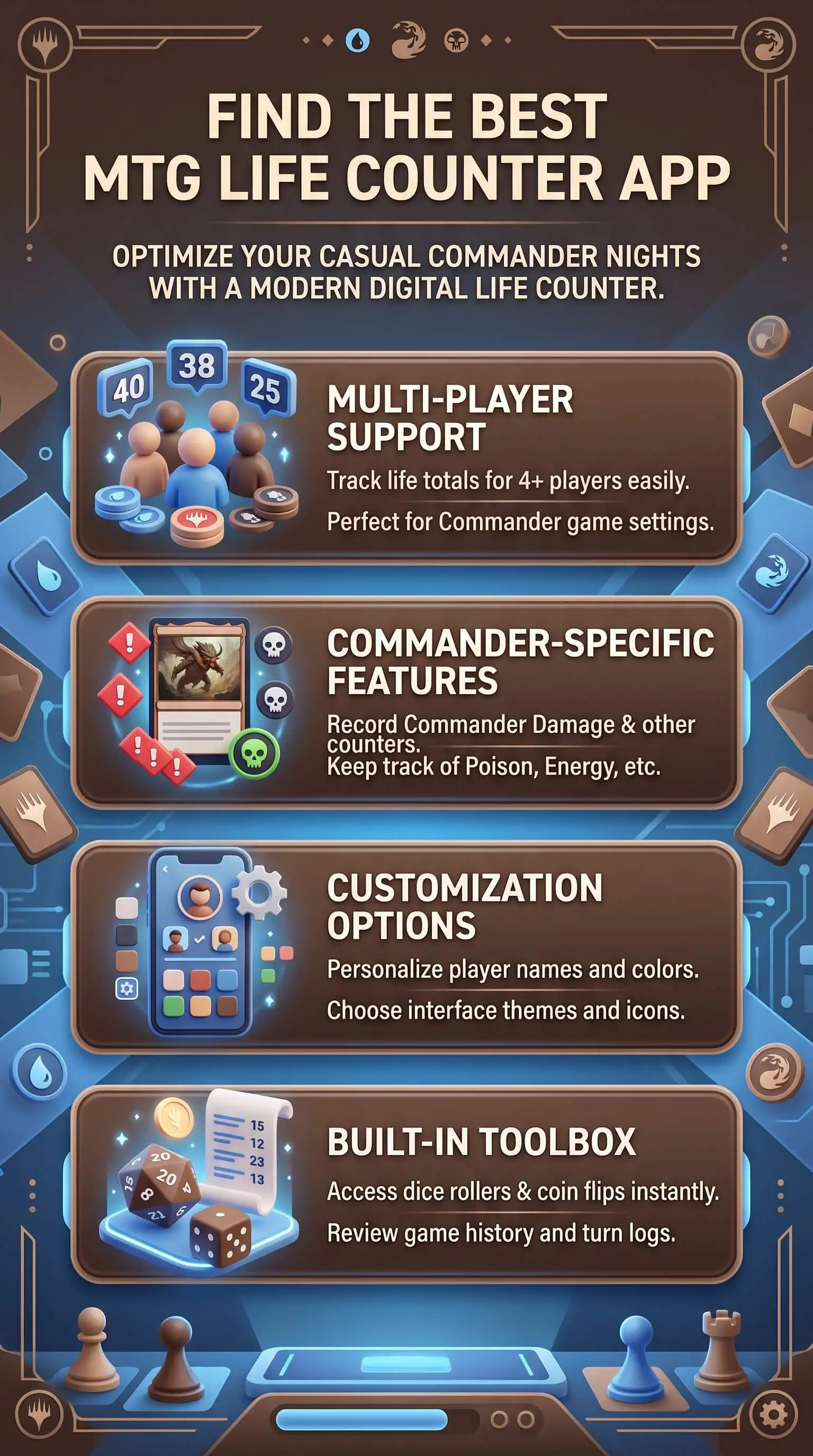
Here's everything a solid app keeps straight at once:
Life totals for the whole pod, 40 down to nothing.
Commander damage from each source, on its own. 21 combat damage from a single commander kills you no matter how much life you've got left, so tracking it per commander actually matters.
Poison counters, where 10 ends your night on the spot.
Energy, experience, and +1/+1 counters, plus the monarch and commander tax.
Try running all of that on dice and a scratch pad in a four-player game. We've watched the most organized dice pile in the world give up somewhere around turn six. Too many numbers moving at once, and every knocked-over die wipes out part of the record with no way to get it back.
What to Look For in a Casual Commander App
Not every app fits a kitchen-table pod. For casual nights, these are the things worth checking:
Player count. It has to cover your whole group, whether that's three of you or a chaotic six.
Offline play. Your buddy's basement doesn't always get a signal. The good apps run with no connection at all.
Ad-free and easy on the battery. A counter that dies by turn ten or flashes a banner mid-combat isn't helping anyone.
Accidental-tap protection. The entire point is to stop mystery score changes. An app that drops your life total every time a sleeve grazes the screen just moved the problem to a new device.
One screen everyone can read. Anybody at the table should be able to glance over and see where the game stands.
A Quick, Honest Shortlist
Plenty of these are good. A few we keep coming back to:
Lotus is the do-it-all free pick: up to 10 players, deep counter support, built-in card search, no ads.
Lifetap is fast, free, and clean, with solid offline play and saved game history.
Moxtopper goes all-in on Commander, with slick swipe-to-track commander damage.
The official MTG Companion app is great for sanctioned events, though it's thin as a dedicated casual counter.
MatchPunk plays it differently: everyone logs in on their own phone, so no single device gets passed around the middle of the table, and it keeps a running record of who actually won.
For casual Commander, free and simple beats feature-stuffed almost every time. If you're heading toward competitive tournaments later, an LCD writing tablet like a Boogie Board is worth a look for the official life pad. But for a Friday night pod, grab the one your whole group will open without a tutorial, especially if your playgroup values the same easy access and shared understanding that strong multicultural marketing depends on.
“The apps that win casual Commander aren't the ones with the most features. They're the ones nobody has to think about. If your table spends more time managing the tracker than playing the game, the tracker loses. The best counter disappears into the night and just keeps the numbers honest.”
7 Essential Resources
Worth a bookmark before your next game night:
Lotus, a free all-in-one life counter and companion for web, iOS, and Android.
Lifetap, a free, ad-free counter with offline play and saved game history.
Moxtopper, a Commander-first tracker built around per-source commander damage.
Life Trinket, a free offline web app that passes games between players by QR code.
Draftsim's ranked roundup of the best MTG life counter apps, tested and compared.
Die Hard Dice's guide to life counters, physical and digital.
Wikipedia's rundown of Magic: The Gathering formats, for where Commander fits in the bigger picture.
3 Statistics
A little context on why this is worth caring about:
Commander is Magic's most popular multiplayer format, and Wizards of the Coast says so itself, which is exactly why the tracking load gets out of hand.
Magic: The Gathering became Hasbro's first billion-dollar brand back in 2022, and pulled in $1.72 billion across tabletop and digital in fiscal 2025. This is a big, active player base.
People clearly want good trackers: Lotus, one of the top free ones, sits around 4.5 stars on the Google Play Store across thousands of reviews.
Final Thoughts and Opinion
Our take, straight up: for casual commanders, a digital life counter app is the better call, and it isn't close. The second you're tracking 40 life and commander damage for four people, dice and paper can't keep pace. A good app hands all of it back so you spend the night playing instead of refereeing.
We're not going to pretend physical counters are useless, though. A nice spindown feels good in the hand, never needs a charge, and won't buzz at you mid-combat. Plenty of us keep one in the bag for when a phone dies. And at the top of competitive play, a written life pad is still what a judge trusts when a call comes down. But for a Friday night pod that just wants smooth games, the choice is as practical as advice from an educational consultant: use the tool that makes the experience clearer and easier. The app wins every time.
Frequently Asked Questions
What is an MTG digital life counter app?
It's a phone, tablet, or web app that tracks life totals and the rest of your game's numbers, so you can leave the dice and paper at home. Most handle several players and Commander-specific stuff like commander damage and poison.
Why use a digital counter for Commander instead of dice?
Commander throws a lot at you: 40 starting life, commander damage from up to three opponents, poison, and more. An app keeps all of it on one screen and doesn't lose track when the table gets bumped.
What should a good Commander life counter track?
Life totals, commander damage per source, poison, energy, experience, and +1/+1 counters, plus the monarch and commander tax. The more of your pod's habits it covers, the less you'll reach for dice.
Are digital life counter apps free?
A lot of the best ones are. Lotus, Lifetap, and Life Trinket are free, and MatchPunk is free for casual play. Some charge for extras like custom playmats or removing ads.
Do these apps work offline and save my battery?
The good ones do both. Look for offline support and a battery-friendly dark mode, and skip anything that runs ad banners during your game.
How many players can a digital counter track at once?
Depends on the app. Lifetap and Life Trinket handle up to six, while Lotus and Moxtopper go up to ten, which covers even the biggest casual pods.
Can I use a life counter app in tournaments?
Yep. Apps are allowed, but at competitive events most players keep a written life pad as the official record and run the app as backup. For casual and Commander nights, the app can be your main tracker.
CTA
Your next Commander night doesn't have to end in a dice-math argument. A digital-versus-physical life counter choice can make the table easier to manage, especially when one clean screen keeps the totals visible for everyone. Grab a free digital counter, drop it in the middle of the table, and get back to the reason you showed up: playing Magic with your friends. Try one this week and see how much smoother the night runs.